Sunday, December 13, 2009

Lesson3-Script Editor


to open your "script editor"


that is how your script editor look like!!


start off on the very left:
-clean history tool for above
-second is for below
-third is for both
-the following three are exchanging views between programming and history panels
-the play button is to execute funtion(located on the far right)


The line break (/n)

Saturday, December 12, 2009

Lesson 2- getting response using MEL script


key in the following and press enter
select doughnut; print ("I am selecting a doughnut!!")


and your commands will appears on the right telling you that you are using mel script to select a doughnut !!


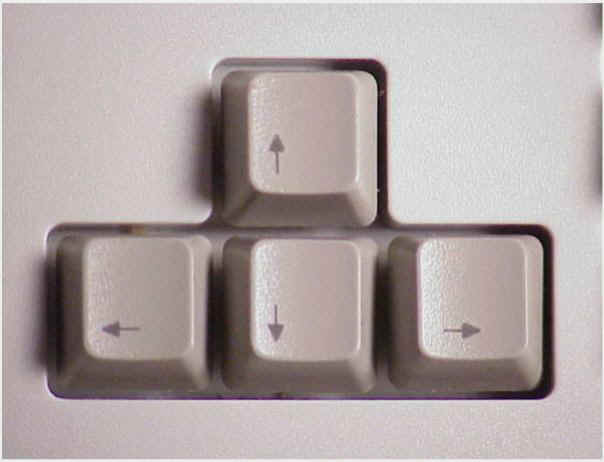
Tips: use up and down arrow key on youy keyboard to browse through your previous commands


P.S. if the images are too small for u, pls click on the images for the zoom in version, sorry for the inconveniences....DX

my self study for maya "MEL" script, lesson1

to start off :

makesure these two panels are open, if not pls go to:


create->UI elements->command line
create->UI elements->help line

selecting object
without group

e.g. select cone

with group

e.g. select everything|cone

the end of lesson 1!!

P.S. if u dont understand anything pls leave a comment and i would be most welcome to reply.(if i know the answer,since im still a novice...)The subject matter of this blog is meant to be a notebook for me where i keep record of all the stuff I learn and doesnt not benefit to anyone else other than me alone, and if you are interested in learning or wish to provide any suggestion, of course you are most welcome to......LETS STUDIES TOGETHER!! =)